Download
Tap the APK button above. If the browser asks whether to keep the file, confirm that you want to download it from brightkitss.com.
Capture evidence, annotate photos, track follow-ups, build a custom PDF, and keep the project on your device.
Most Android phones made since 2017 use the 64-bit build. The app is distributed directly by brightkitss.com and is not installed through Google Play.
Older 32-bit phone? Download the 32-bit APK.
A download start is counted anonymously when you tap an APK link. The file download still works if counting is unavailable.
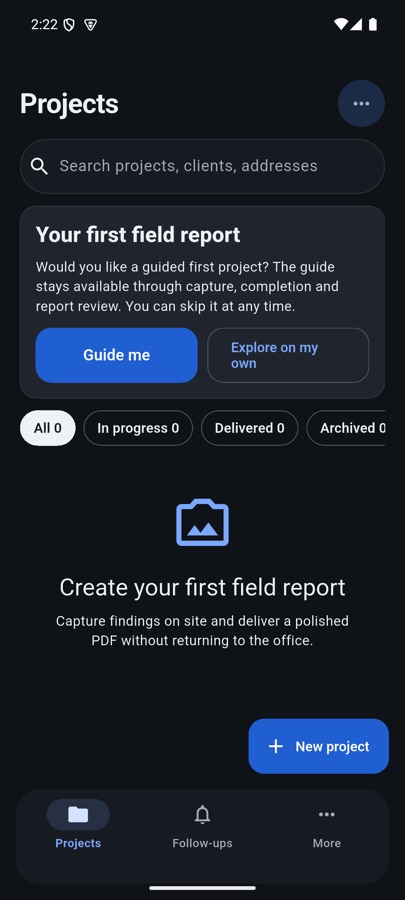
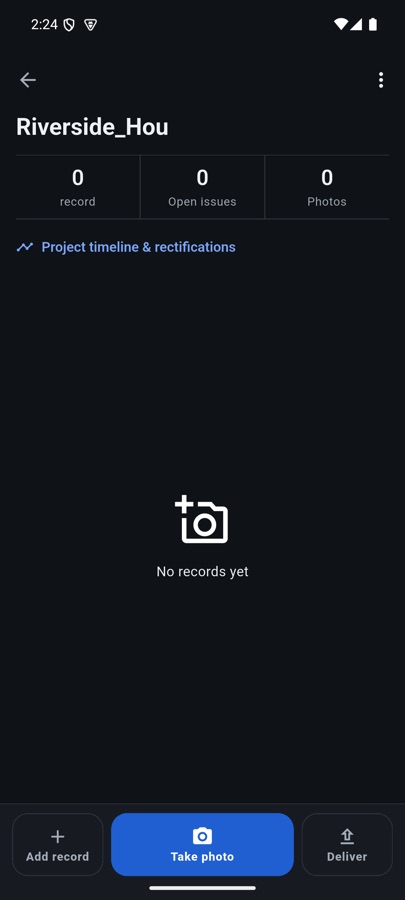
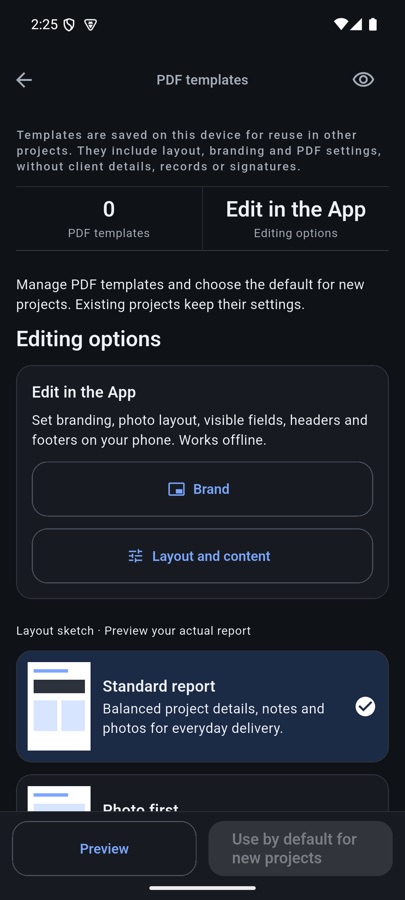
Tap the APK button above. If the browser asks whether to keep the file, confirm that you want to download it from brightkitss.com.
Open the downloaded file. Android may ask you to allow “Install unknown apps” for this browser or file manager. Enable it for that source only.
Confirm installation, then open Field Report Free. Future APK updates from this page install over the same free edition and keep its local data.
fd4bb86418d6ab9afa33a8545f9d0eae91b81e499d361f894667068894a7e845
SHA-256 · 32-bit APK
ed953a816c50807e25558f58a7967d25e75d23dbfc5fc953a8d120b4ff96a2da
The free edition does not create an account, check a purchase, or enable team and customer-link services.
Projects, photos, annotations, signatures, templates, backups, and generated PDFs stay on the device unless you share or copy a file yourself.
If you choose “fill address from current location,” Android’s location and geocoding services may process coordinates to return an address. Manual address entry remains available.
Removing the app or clearing its data can erase local work. Export a .fieldreport backup before changing devices. Read the full privacy policy or send feedback.